Digital Asset Management Definition
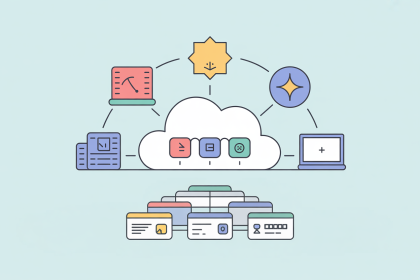
Digital Asset Management (DAM) is the practice of storing, organizing, and sharing an organization's digital files, such as images, videos, and documents, from one central system. Instead of keeping files across shared drives, email, and personal folders, everyone works from the same approved, up-to-date version of each file.
What does a DAM system manage?
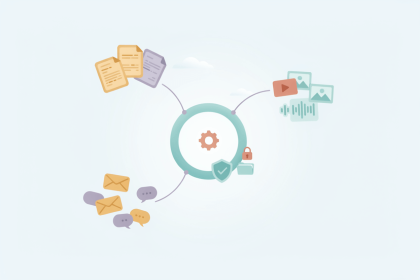
A DAM system manages digital assets, meaning any file with business value, such as:
- Images: product photos, lifestyle shots, logos
- Video and audio: product demos, tutorials, ads
- Documents: data sheets, manuals, certificates
- Brand and design files: templates, source files, brand guidelines
Each file is stored with metadata, which is descriptive information such as keywords, owner, usage rights, and expiry date. Metadata makes assets searchable and helps teams avoid using outdated or unlicensed files.
How does it work?
Files are uploaded once, tagged with metadata, and organized by category or collection. Users find assets by searching and filtering rather than by remembering file names. Most DAM systems also track versions and control who can view or edit each file. Many also create renditions automatically. A rendition is a copy of a file in the size and format a specific channel requires, such as a small web image or a high-resolution print file.
How does DAM relate to PIM and MDM?
DAM manages the files, while Product Information Management (PIM) manages the product data those files belong to, such as names, descriptions, and specifications. The two systems are often connected so that each product is published with the right images and documents.
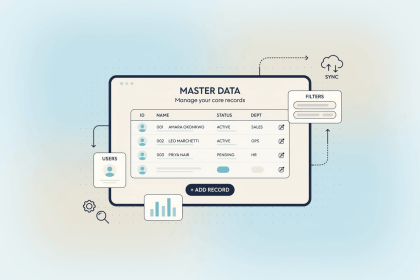
Both depend on accurate core records. If the same product or supplier exists twice under different IDs, assets can end up linked to the wrong item. Keeping those records consistent across systems is the role of Master Data Management (MDM).