Data Silos Definition
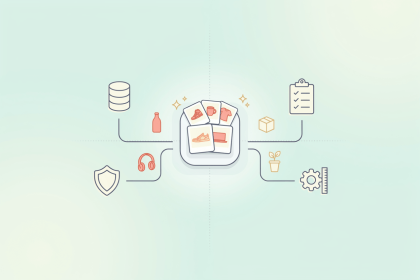
Data silos are collections of data held by one team, department, or system that the rest of the organization can't easily see, access, or use. The data inside a silo may be perfectly accurate. The problem is that it stays in one place, so other teams either work without it or keep their own copies, which slowly drift apart.
How do data silos form?
Silos are rarely created on purpose. They usually build up over time:
- Tools added one at a time: each department chooses software that suits its own work, such as a CRM (customer relationship management) system for sales or an ERP (enterprise resource planning) system for orders and finance, and nobody plans how these systems will share data
- Spreadsheets as workarounds: when a system doesn't hold what a team needs, someone starts a spreadsheet, and it quietly becomes the only place that information exists
- Mergers and acquisitions: a company that buys another business takes on a second set of systems holding the same kinds of data
- Team habits: departments used to owning "their" data can be slow to share it or to agree on common definitions
What problems do data silos cause?
- Conflicting versions: the same product, customer, or supplier is recorded differently in different systems, and nobody is sure which version is right
- Manual work: staff copy or re-enter data between systems by hand, which takes time and introduces errors
- Partial reporting: decisions get made on part of the picture, because combining data from several systems takes days or weeks
- Unreliable AI and analytics: artificial intelligence (AI) and reporting tools need data from across the business, and silos either keep it out of reach or feed the tools contradictory information
How do companies break down data silos?
Connecting systems is only part of the fix. If the data in each system disagrees, a connection just spreads the disagreement faster. Most organizations combine connections with a few organizational decisions:
- Agree on which system is the leading source for each type of information, for example the ERP for prices and another system for product descriptions
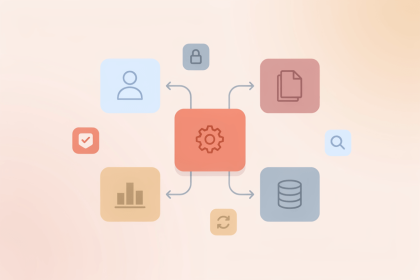
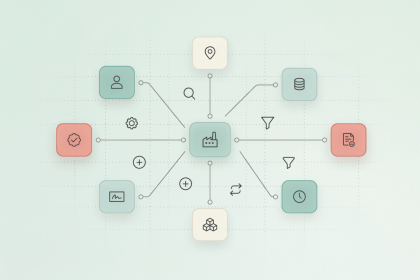
- Keep core records, such as products, customers, and suppliers, in one central place, and sync them to every system that needs them
- Name an owner for each area of data, so someone is responsible for keeping it correct
For a closer look at how a central platform for core business data works, and what to check before choosing one, see Unified Data Management Platform: Trends, Risks, and Practical Choices for 2026.