


What's New?
From now on, you can install AtroCore system directly on your computer or mobile device, just like a regular app.
Now you can access your workspace faster and more easily, without having to open a browser or type in the website each time.
What This Brings to Your Business?
Installing the AtroCore system as an app gives your business easier and quicker access to your workspace. Instead of searching for the website or keeping multiple browser tabs open, users can open the system with a single click from their desktop, taskbar, or mobile home screen. The app runs in its own clean window, which helps teams stay focused without browser distractions.
The app version offers the same features and functions as the regular web version, so there is no learning curve or change in workflow.
How to Install the App
-
Open the system in Chrome or Microsoft Edge.
-
Look for the message at the top of the screen that says “Install Application”.
-
Click Install.
-
The system will open in its own window, just like any other application.
To Install the App You Need:
Use the system on a secure connection (HTTPS). A valid Web App Manifest and Service Worker must be configured. A modern browser such as Chrome or Microsoft Edge.
Extra Tip
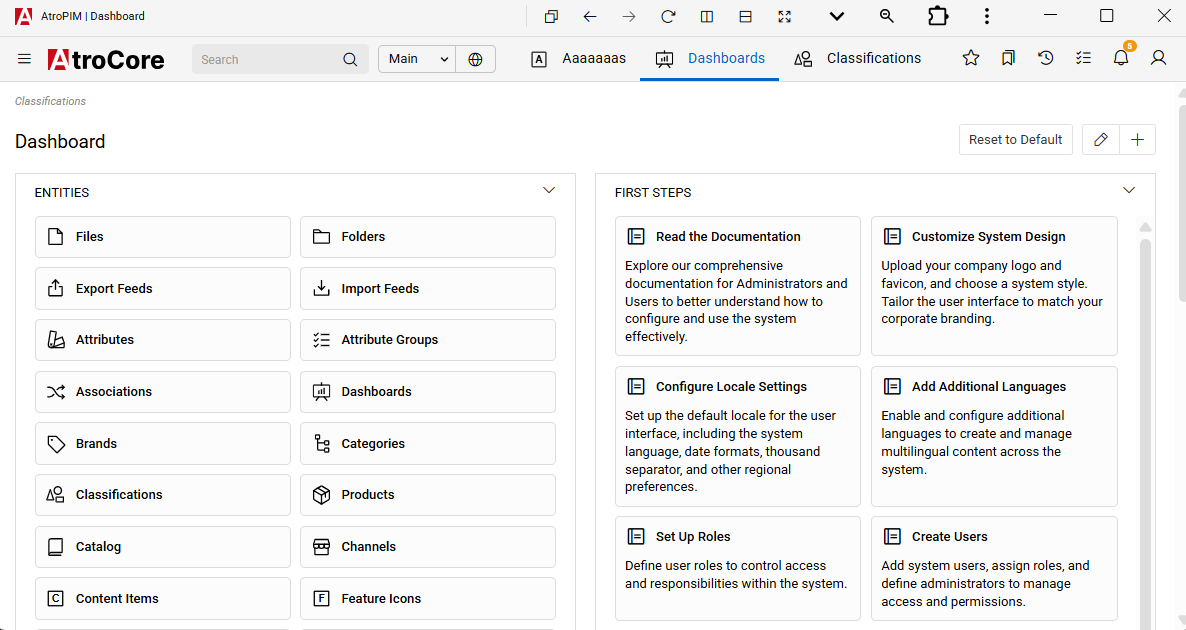
After installation, you can enable additional app controls by clicking the small arrow button in the top-right corner of the app window. This gives you a cleaner and more comfortable workspace.
Visit our help center to get a more technical perspective on our application and other AtroCore updates.